
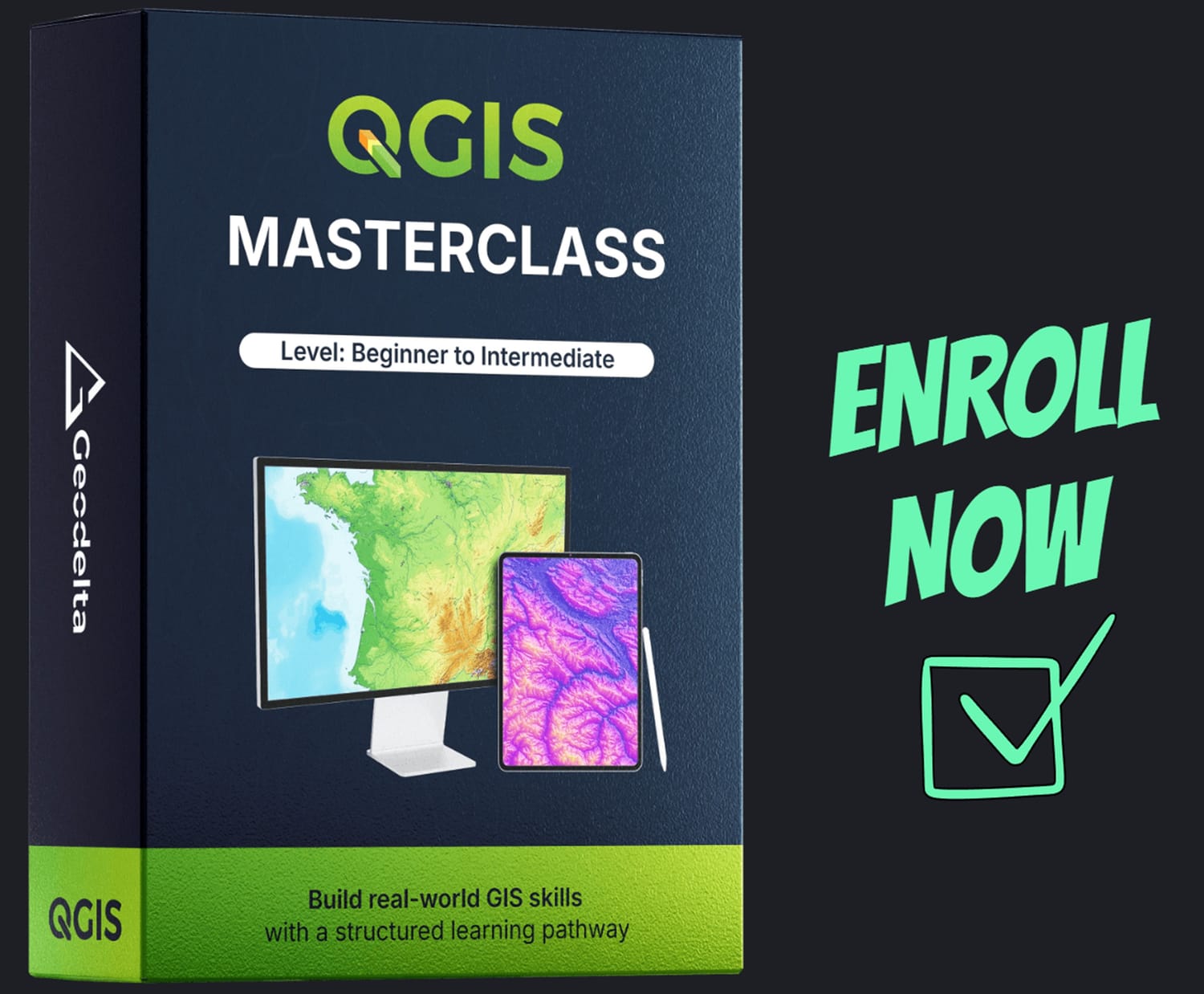
QGIS Masterclass
Level: Beginner to Intermediate
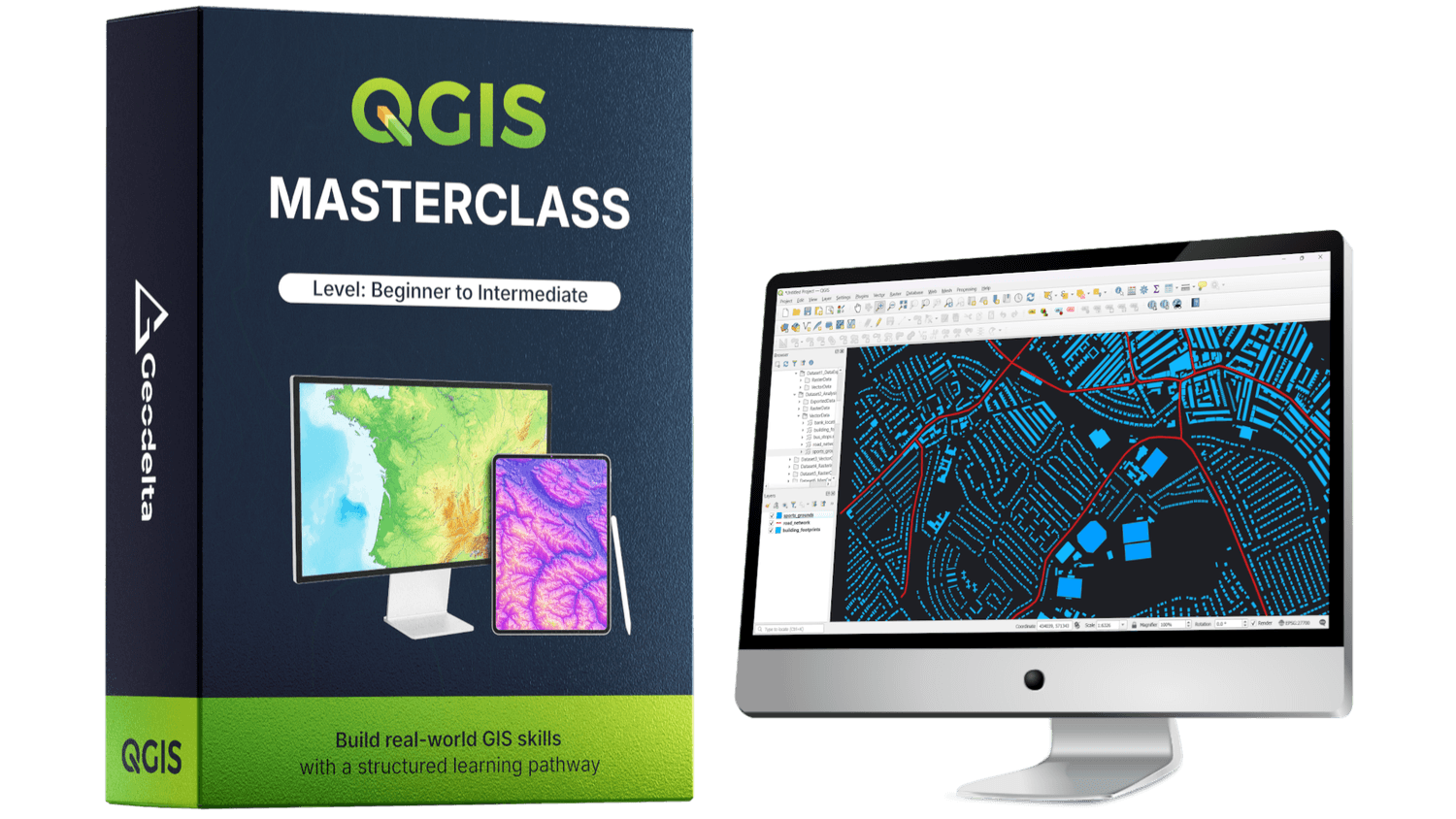
QGIS is a powerful, free, and open-source geospatial software used by students and professionals worldwide for spatial analysis, data visualization, and geospatial modeling. Its flexibility and open ecosystem make it a key tool in modern GIS workflows.
The QGIS Masterclass (Beginner to Intermediate) is designed to take learners through a carefully structured learning pathway, combining conceptual understanding with hands-on practice. The course emphasizes clarity, real-world examples, and practical workflows to prepare learners for professional GIS tasks.
Master QGIS with clarity, not confusion.
A structured course focused on real-world GIS applications.
FIND OUT
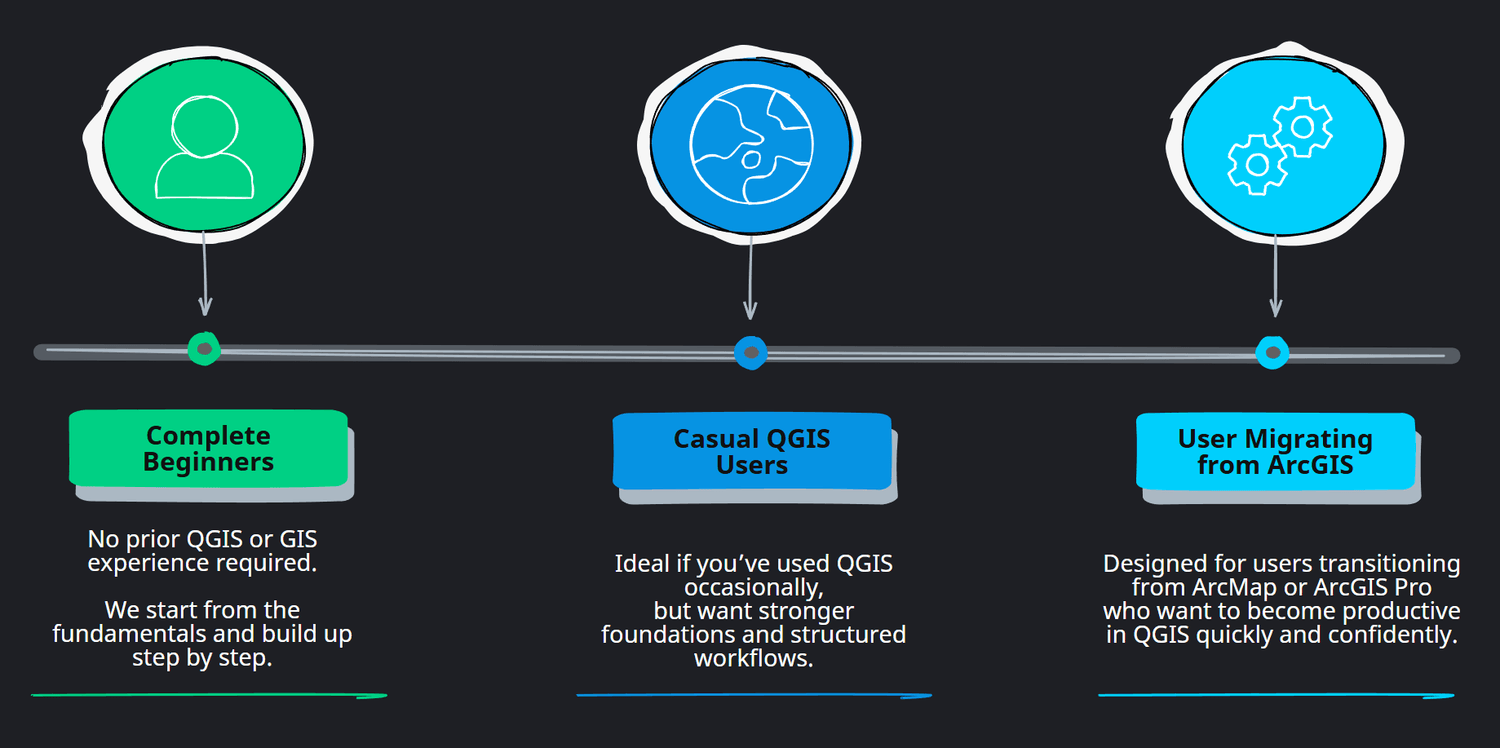
WHO THIS COURSE IS FOR
This course is designed for anyone who wants to build a strong, practical, and confident foundation in QGIS and GIS workflows.
Whether you are just getting started or already have some prior exposure to GIS, the course is structured to guide you step by step. It begins with core concepts and gradually moves into practical and meaningful applications.
Fundamental ideas are explained clearly and intuitively, without assumptions. As the course progresses, the focus shifts toward real world analysis and professional workflows used in everyday GIS projects. By the end of the course, you will not only know how to use QGIS, but also understand why things work the way they do.
UNDERSTAND
WHAT YOU WILL LEARN
In this course, you will build a strong, practical foundation in QGIS, starting from the very basics and progressing toward real-world GIS workflows. Rather than focusing on isolated tools, the course is designed to help you understand how spatial data works, how different GIS operations fit together, and how to approach common geospatial tasks with confidence.
By following a clear and structured learning pathway, you will develop the skills needed to work comfortably with vector and raster data, perform meaningful spatial analysis, and create professional-quality maps using QGIS.
By the end of this course, you will be able to:
Confidently navigate the QGIS interface and manage GIS projects from start to finish
Understand and work with spatial data, including vector and raster datasets, formats, and layer organization
Create, edit, and manage vector data, including attributes, geometries, joins, and calculations
Understand coordinate reference systems and map projections, and apply them correctly within QGIS
Perform common and essential spatial analysis operations on both vector and raster data
Create new raster datasets, apply raster operations, and extract meaningful information from them
Design clean, professional maps that effectively communicate spatial information
Apply QGIS to real-world geospatial problems using structured workflows and practical examples
A QUICK OVERVIEW
WHAT THIS COURSE IS ALL ABOUT?
Take a moment to watch these two short videos for a high-level look at what’s covered in the course, how it’s structured, and whether it’s the right fit for your learning goals.
EXPLORE
COURSE ROADMAP AND CONTENTS
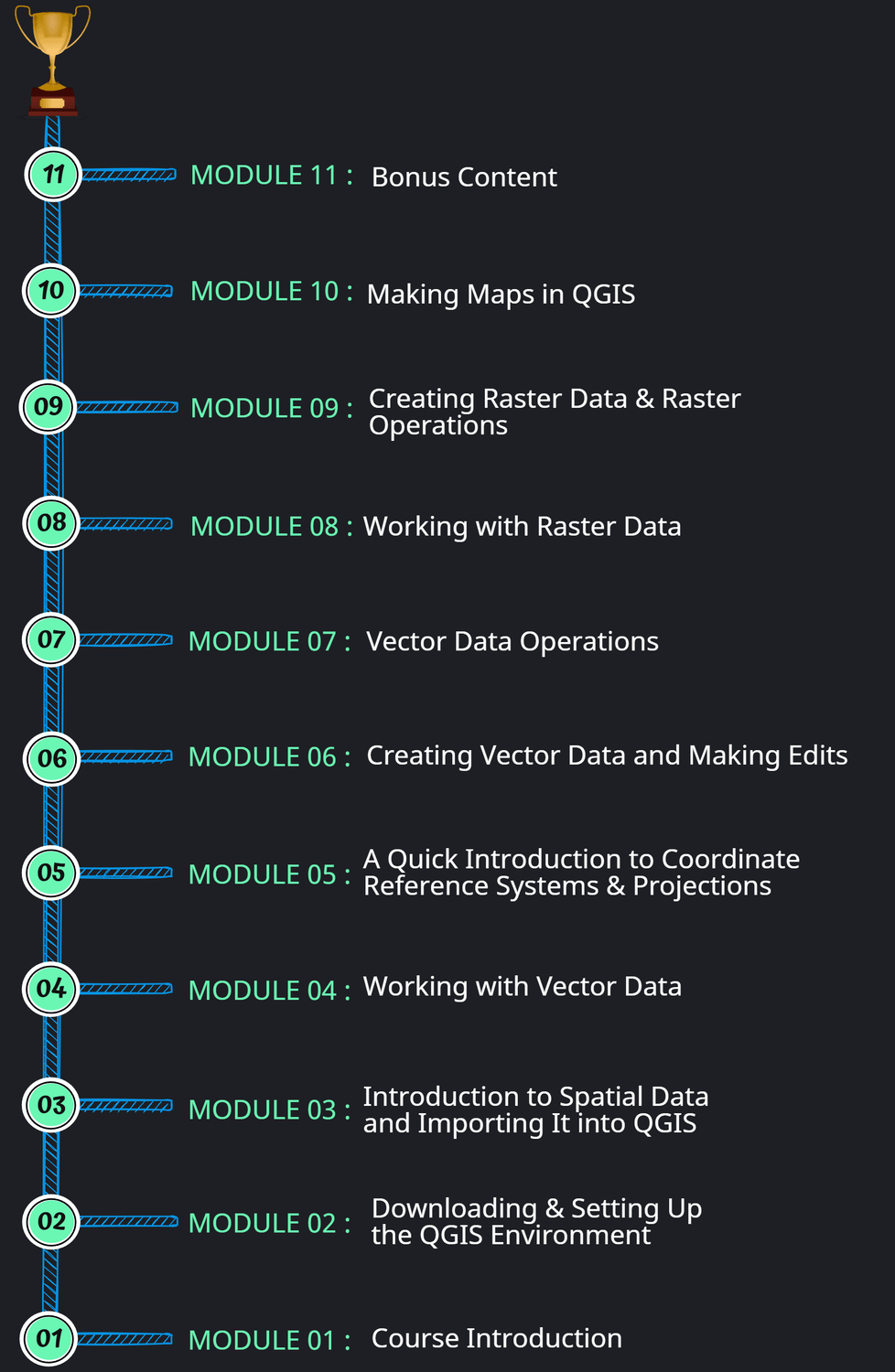
The QGIS Masterclass follows a carefully structured learning pathway. Each module builds on the previous one, ensuring you develop strong fundamentals before moving into practical analysis workflows and professional map creation.
The roadmap below summarizes the full journey from start to finish.
MODULE 01
Course Introduction
+
| Lesson | Title | DURATION (MM:SS) |
|---|---|---|
| 1.1 | Welcome | 02:43 |
| 1.2 | Course Roadmap | 04:04 |
| 1.3 | Course Resources, Datasets & Practical Setup | 03:15 |
MODULE 02
Downloading & Setting Up the QGIS Environment
+
| Lesson | Title | DURATION (MM:SS) |
|---|---|---|
| 2.1 | Downloading QGIS | 05:23 |
| 2.2 | Exploring the QGIS Interface | 05:49 |
| 2.3 | Adding a Basemap | 02:44 |
| 2.4 | Navigating the Map (Controls, Pan & Zoom) | 02:11 |
MODULE 03
Introduction to Spatial Data and Importing It into QGIS
+
| Lesson | Title | DURATION (MM:SS) |
|---|---|---|
| 3.1 | Introduction to Spatial Data & Use Cases | 01:13 |
| 3.2 | Vector Data and Raster Data | 12:53 |
| 3.3 | Data Formats for Vector and Raster Data | 04:09 |
| 3.4 | Exploring Vector Data | 27:30 |
| 3.5 | Exploring Raster Data | 07:31 |
| 3.6 | Layer Ordering | 01:59 |
| 3.7 | Saving a QGIS Project | 06:10 |
MODULE 04
Working with Vector Data
+
| Lesson | Title | DURATION (MM:SS) |
|---|---|---|
| 4.1 | Understanding Attributes, Fields, Features, and Records | 06:49 |
| 4.2 | Attribute Table | 11:55 |
| 4.3 | Selecting Features | 17:54 |
| 4.4 | Creating New Vector Datasets by Exporting Features | 13:23 |
| 4.5 | Advanced Selections (Selecting Features Using Expressions) | 17:55 |
| 4.6 | Styling Vector Data | 31:28 |
| 4.7 | Adding Labels | 08:42 |
| 4.8 | Adding New Fields to the Attribute Table | 27:38 |
MODULE 05
A Quick Introduction to Coordinate Reference Systems & Projections
+
| Lesson | Title | DURATION (MM:SS) |
|---|---|---|
| 5.1 | Background | 04:07 |
| 5.2 | Understanding Datums | 03:55 |
| 5.3 | Datums & Geographic Coordinate Systems (GCS) | 09:03 |
| 5.4 | Map Projections | 11:21 |
| 5.5 | The Mercator Projection | 07:33 |
| 5.6 | The Universal Transverse Mercator (UTM) Projection | 08:30 |
| 5.7 | EPSG Codes | 15:29 |
| 5.8 | Coordinate Reference Systems (CRS) in a QGIS Environment | 14:43 |
| 5.9 | Project CRS, Layer CRS, and On-the-Fly Projection in QGIS | 17:45 |
MODULE 06
Creating Vector Data and Making Edits
+
| Lesson | Title | DURATION (MM:SS) |
|---|---|---|
| 6.1 | Reflecting on the Learnings from the CRS & Projections Chapter | 08:58 |
| 6.2 | Why Create New Vector Data? | 02:13 |
| 6.3 | Creating New Vector Data by Digitizing | 48:55 |
| 6.4 | Adding Basemaps using “QuickMapServices” Plugin | 07:11 |
| 6.5 | Editing and Modifying Vector Data | 24:17 |
| 6.6 | Avoiding Invalid Geometries When Digitizing | 09:26 |
| 6.7 | Splitting & Merging Geometries | 08:49 |
| 6.8 | Using the Measuring Tool | 09:03 |
| 6.9 | Performing Geometric Calculations (Length, Area, Perimeter, XY) | 30:16 |
| 6.10 | Creating New Fields using Expressions (IF, AND, OR, CASE) | 32:41 |
| 6.11 | Performing Attribute Joins | 17:57 |
| 6.12 | Reprojecting Vector Data | 06:42 |
MODULE 07
Vector Data Operations
+
| Lesson | Title | DURATION (MM:SS) |
|---|---|---|
| 7.1 | Introduction | 03:25 |
| 7.2 | Clip | 23:05 |
| 7.3 | Intersect | 15:45 |
| 7.4 | Buffer | 11:05 |
| 7.5 | Dissolve | 12:09 |
| 7.6 | Union | 05:01 |
| 7.7 | Difference | 02:52 |
| 7.8 | Split | 06:57 |
MODULE 08
Working with Raster Data
+
| Lesson | Title | DURATION (MM:SS) |
|---|---|---|
| 8.1 | Introduction to Raster Data | 21:38 |
| 8.2 | Styling and Visualizing Raster Data | 28:13 |
| 8.3 | Generating Hillshade | 06:35 |
| 8.4 | Clipping Raster Data with a Polygon | 12:06 |
| 8.5 | Reprojecting Raster Data | 05:49 |
| 8.6 | Resampling Raster Data | 11:35 |
| 8.7 | Generating Contours | 14:26 |
| 8.8 | Extracting Raster Values to Points | 06:32 |
| 8.9 | Calculating Zonal Statistics for a Raster Dataset | 14:32 |
MODULE 09
Creating Raster Data & Raster Operations
+
| Lesson | Title | DURATION (MM:SS) |
|---|---|---|
| 9.1 | Introduction to Creating Raster Data | 07:42 |
| 9.2 | Creating Rasters with a Constant Value | 05:42 |
| 9.3 | Creating Rasters from Polygon Data (Rasterize) | 25:01 |
| 9.4 | Creating Rasters using Spatial Interpolation | 24:42 |
| 9.5 | Creating Rasters using Spatial Interpolation (with Line Features) | 07:16 |
| 9.6 | 3D Visualization of Raster Data | 09:49 |
| 9.7 | Raster Calculator | 32:54 |
| 9.8 | Raster Reclassification | 14:05 |
| 9.9 | Vectorizing Raster Data (Raster to Vector) | 06:48 |
| 9.10 | Exporting Rasters to Various Formats | 08:24 |
MODULE 10
Making Maps in QGIS
+
| Lesson | Title | DURATION (MM:SS) |
|---|---|---|
| 10.1 | Introduction | 06:27 |
| 10.2 | Key Components of a Map | 04:29 |
| 10.3 | Getting the Data Ready for Map 1 | 10:15 |
| 10.4 | Creating Map 1 – Reservoir Volume and Sampling Points | 35:41 |
| 10.5 | Getting the Data Ready for Map 2 | 16:54 |
| 10.6 | Creating Map 2 – Geology Map of Project Area | 36:12 |
| 10.7 | Congratulations! You Did It! | 02:56 |
MODULE 11
Bonus Content
+
| Lesson | Title | DURATION (MM:SS) |
|---|---|---|
| 11.1 | Introduction | 01:47 |
| 11.2 | Importing Latitude–Longitude (or X, Y) Coordinate Data into QGIS | 15:30 |
| 11.3 | Combining Multiple Vector Data Layers into a Single Dataset | 09:42 |
| 11.4 | Visualizing Vector and Raster Data Using Google Earth Pro | 10:22 |
| 11.5 | Visualizing Elevation Cross-Sectional Profiles Using the Profile Tool | 10:19 |
| 11.6 | Additional Attribute-Related Functions | 39:41 |
| 11.7 | Batch Processing in QGIS | 10:42 |
LEARNING TIME & PACE
HOW LONG DOES THIS COURSE TAKE?
Designed for Busy Learners
This course is built to fit into real life. It starts with short, focused lessons that help you get comfortable with QGIS quickly, then gradually moves into deeper, hands-on workflows as your confidence grows. Everything is introduced step by step, so you’re never rushed or overwhelmed.
The total video content adds up to approximately 18 hours. You don’t need long study sessions to see results. Even 20–30 minutes a day is enough to keep moving forward and build momentum. Learn at your own pace, revisit lessons whenever needed, and fit the course naturally around your work and personal schedule.
NOW OPEN FOR ENROLLMENT
START BUILDING REAL WORLD QGIS SKILLS TODAY
This QGIS Masterclass is designed to guide you step by step from the fundamentals to practical, real-world GIS workflows using QGIS. You’ll learn through clear explanations, hands-on exercises, and carefully structured lessons that help you build confidence as you progress.
Whether you’re learning QGIS for work, studies, or personal projects, this course gives you a complete learning path you can return to anytime - without pressure and at your own pace.
What you’ll get when you enroll?
Lifetime access to the full course
A clear, structured learning path from beginner to intermediate level
Real-world examples and practical workflows demonstrated using realistic datasets
Learn at your own pace. Even 20–30 minutes a day is enough
Direct support by reaching out to GeoDelta Labs whenever you need help
FAQ
FREQUENTLY ASKED QUESTIONS
Still have a few questions?
Below are answers to some of the most common questions about the QGIS Masterclass. If you don’t see what you’re looking for, no worries. You can always reach out to GeoDelta Labs, and we’ll be happy to help with any additional questions you may have.
You don’t need any prior GIS experience to take this course. The QGIS Masterclass is designed to guide you from the very basics through to an intermediate level in a clear and structured way.
All you need is a basic level of computer familiarity, such as installing software and navigating applications. Everything related to GIS and QGIS is explained step by step within the course.
The total video content adds up to approximately 18 hours.
If you can spend around 2–3 hours per week watching the lessons, and an additional 1–2 hours per week practicing what you learn, you can comfortably complete the course in about 5 to 6 weeks.
While it’s possible to move through the course faster, especially if you already have some background, beginners are encouraged to follow this pace. It gives you enough time to absorb the concepts properly and build confidence as you progress.
Yes. This course was designed with real-world use in mind.
By the time you reach the intermediate level, you’ll be able to comfortably use QGIS for professional tasks such as geospatial data analysis, visualization, performing common GIS operations, and producing map outputs.
The same applies if you’re using QGIS for academic or university-level work, regardless of your specific field or domain.
When you enroll, you receive lifetime access to the course on our learning platform, with no time limits or expiration.
You’ll be able to revisit the lessons anytime in the future. In the unlikely event that the platform is discontinued, you will be contacted and provided with options to receive a copy of the full course content.
If you’re not satisfied with the course for any reason, you can request a refund within 7 days of purchase. To request a refund, simply send an email to info@ geodeltalabs.com, and we’ll take care of it.
If you have trouble understanding any lesson or concept covered in the course, we’re happy to help.
You can reach out to info@geodeltalabs.com with your questions, and we’ll provide additional explanations to help clear things up. We aim to respond within a reasonable timeframe and ensure you can continue learning with confidence.
Yes, absolutely.
Many companies and some university programs have training or professional development budgets. If you believe this course would benefit your work or studies, it may be possible for your employer or institution to cover the cost.
If you need any additional information to support this, feel free to reach out to us.
STAY CONNECTED
JOIN OUR COMMUNITY
Stay up to date with the latest industry news and insights from GeoDelta Labs
All things geospatial, with a structured learning pathway


CONTACT
© 2026 GeoDelta Labs. All Rights Reserved. Operated by WONGSIRIDECHATHON COMPANY LIMITED